Bloques
DashboardGitHub
DashboardGitHub

Get started

QuickstartIntroduction

Writing content

MDX basicsMarkdown reference

Configuration

docs.json overviewNavigationThemeNavbarInternationalizationSchema reference

API reference

API reference overviewSet up an API reference

Publishing

Connect GitHubDeploymentsCustom domainLLM endpointsMCP server

Team

OrganizationsMembers and roles

Components

Browse every block available in the editor, with a link to each reference page.

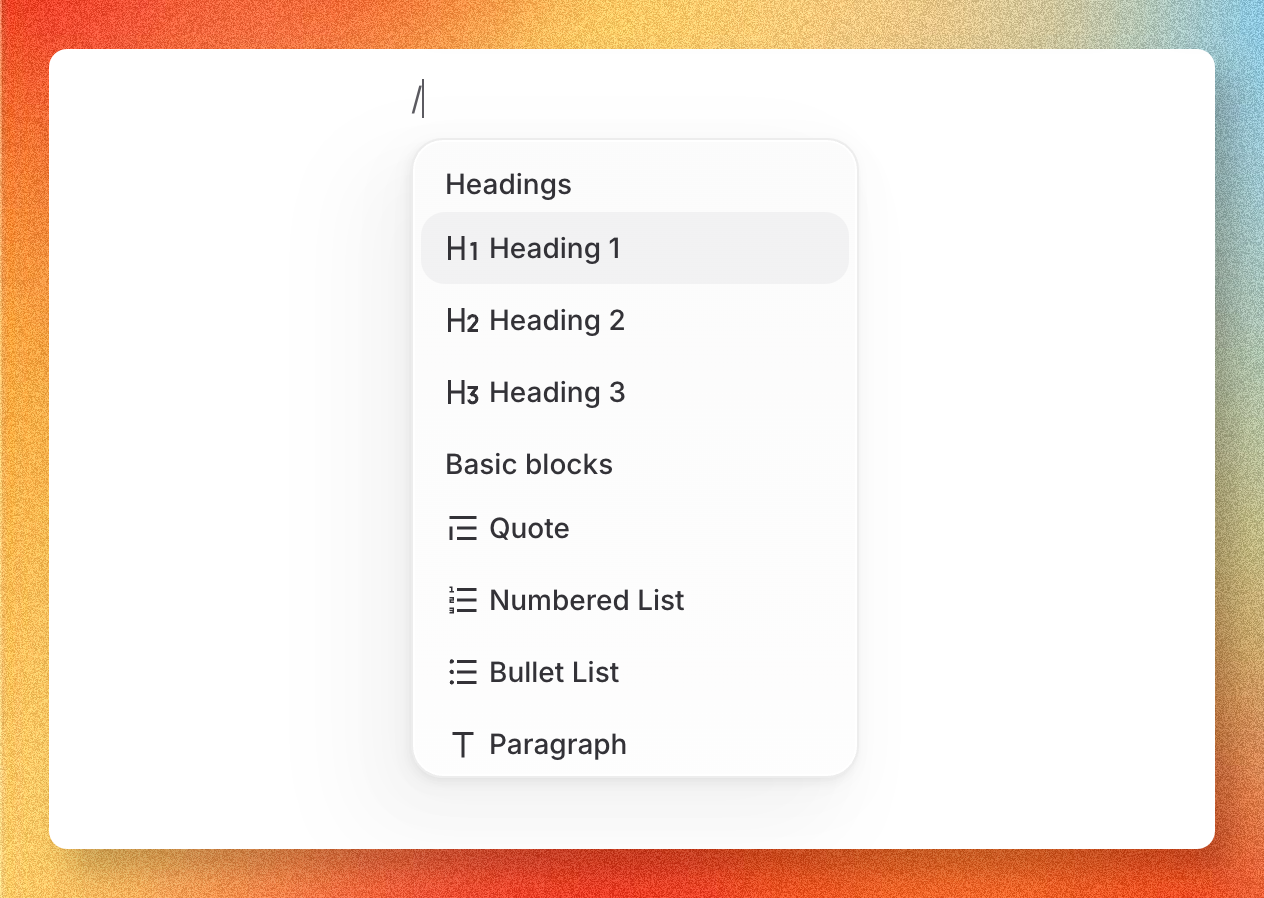
To insert a block, type / anywhere in the visual editor and filter by name, or drag a block from the side menu into place. Each component has a settings popover for editing its props. To edit props as raw attributes, switch the editor to source mode.

Editor slash menu listing insertable blocks

Accordion

A collapsible section that hides content until expanded.

Go to content

Callout

Highlight an aside, warning, tip, or note inline.

Go to content

Card

A bordered tile with title, description, icon, and link.

Go to content

Columns

A multi-column layout for placing blocks side by side.

Go to content

Icon

A standalone icon glyph from the built-in icon set.

Go to content

Steps

A numbered list of stages for a procedure.

Go to content

On this page

No Headings